If you want to build a browser game with JavaScript, the first version can be remarkably small. You need a page, a stylesheet, a script and one interaction worth repeating. The difficult part arrives later, when the prototype becomes a real game and every new idea has to coexist with everything already built.
That is the point we reached while developing Cancel My Subscription, a free satirical game about trying to escape a fictional streaming service. The full project is planned as 50 levels. Its challenges include forms, courtroom testimony, signatures, CAPTCHA tests, a calendar, a slot machine, pachinko, document processing, memory tests and live cancellation dashboards. They all run inside the same browser page.
This is not a framework comparison or a promise that one technology is always best. It is a practical account of how we structure a growing HTML, CSS and vanilla JavaScript game, where the approach stays simple, where it begins to strain, and what we would decide earlier if we started again.
See the architecture in motion. The current game is free and starts without an account or download.
Play Cancel My SubscriptionWhat do you need to build a browser game?
For a small two-dimensional game, the browser already provides most of the basic tools: semantic HTML for controls, CSS for layout and animation, JavaScript for state, Pointer Events for mouse and touch input, Canvas for drawing, Web Audio for generated sound, and browser storage for lightweight progress. You do not need to introduce all of them on day one.
Our first level is deliberately ordinary. It presents a subscription record and one obvious cancellation button. That simple screen establishes the visual language and the player's objective. More specialised technology appears only when a mechanic needs it. A drawn signature uses Canvas. A physics-based pachinko board uses a small, proven physics library. Most menus, documents and buttons remain normal DOM elements because they are easier to size, label and operate across desktop and mobile.
The useful question is not "Should this whole game use Canvas?" It is "What is the simplest browser primitive that represents this interaction reliably?" A DOM button is usually better at being a button. Canvas is better when the player needs to draw a continuous line. A physics engine is better when collisions are the game rather than decorative movement.
1. Use one stable shell and replace the level scene
Cancel My Subscription has one persistent game shell. The header, level counter, progress indicator and central stage remain in place. Each level renderer clears the stage and builds only the interface required for that challenge. A renderer map connects level numbers to functions, while a separate title list supplies the heading shown in the shared frame.
This pattern gives every level a predictable entry point without turning the project into 50 separate HTML documents. It also keeps progress transitions consistent. When a challenge succeeds, one completion function updates the stored level, runs the shared transition and opens the next renderer.
The separation matters more than the exact syntax. A level should own its temporary controls and rules. The shell should own navigation, progress and global presentation. If a new stage needs to rewrite the header or know how every earlier stage worked, the boundary is already leaking.
2. Give every level the same small contract
Our level functions follow the same broad sequence: clear the old scene, create the new card or play area, initialise local state, attach interactions, render the initial state, and call the shared completion function when the rule is satisfied. The mechanic can be completely different, but its relationship with the rest of the game stays familiar.
A clear contract prevents a level from becoming a second application hidden inside the first one. It also makes unfinished levels easy to handle. If a level does not yet have a renderer, the same router can show a coming-soon checkpoint instead of failing or sending the player into a blank screen.
This is also where we keep the distinction between game state and visual state. The game state says which module is installed or which answer is selected. The visual state says which lamp is glowing or which cartridge is moving. When those are tangled together, animations begin deciding game outcomes and interrupted transitions cause hard-to-reproduce bugs.
3. Keep level state local until another level genuinely needs it
Most challenges should forget their internal details when the player leaves. A shuffled list, animation frame, active pointer and temporary score belong to that renderer. Local variables make those relationships easy to understand and reduce the chance that Level 37 accidentally changes Level 12.
Cross-level state is the exception. The signature mechanic creates a useful example. An earlier level asks the player to sign a document. A later identity check asks for the signature again and compares the new drawing with the stored reference. That reference must survive a level transition, so it is stored deliberately. The later level also has a fallback for local testing, because opening it directly without the earlier signature should not produce a broken screen.
The principle is simple: do not make data global because it might be useful later. Make it persistent when a designed dependency requires it, give the stored record a clear name and validate it before use. Browser storage is convenient, but it is not a database and players can clear or alter it.
4. Design one input model for mouse, touch and keyboard
Browser games are attractive because a link can open on a laptop or phone. That benefit disappears if a mechanic only works with a precise mouse. We use Pointer Events for interactions such as dragging papers, drawing a signature, operating a clock hand and moving record cartridges. The same event family can represent a mouse, pen or finger, and pointer capture lets an active drag continue even if the pointer briefly leaves the original element.
Click and drag are not always interchangeable, though. Level 41 lets players physically drag a record cartridge into a matching bay, but it also supports selecting a cartridge and then selecting its bay. The second route is not an easier puzzle; it is another way to express the same decision when dragging is uncomfortable or unreliable.
Keyboard controls are added where the mapping is natural. Letter keys work for hangman. Standard buttons remain focusable and respond to Enter or Space. We avoid inventing a keyboard simulation for a mechanic when it would be harder to understand than a clear alternate control.
We covered the responsive side of this process in detail in how to make a browser game work on mobile. The key lesson is that mobile support changes the mechanic, not just the CSS around it.
5. Separate continuous animation from discrete interaction
A button press is discrete. A drifting meter, moving ball or countdown is continuous. Mixing both into chains of unrelated timeouts makes the game difficult to pause, reset and debug. For continuously changing scenes, we use a frame loop and calculate visual state from elapsed time. For short, predictable transitions, CSS animation or a small timeout is often enough.
The cancellation dashboard demonstrates the continuous case. Several conditions must be valid at the same time, a certainty value can drift, and a stability meter fills only while the complete state remains valid. Its frame loop checks the current conditions and derives progress from time. If one condition is lost, the meter resets immediately.
The calendar page tear demonstrates the discrete case. The player controls the page with a pointer, but once the drag passes the threshold, a short finishing transition removes the sheet and reveals the previous day. The date change is a game event. The paper flying away is feedback. Keeping those roles separate makes the result stable even if reduced motion is enabled.
6. Treat sound as feedback, not background decoration
Many of the game's sounds are generated with the Web Audio API. A short tone confirms a valid selection, a lower sound marks failure, and a small sequence accompanies success. Generated tones load instantly and keep the download small, which suits mechanical interfaces such as scanners, terminals and dashboards.
Sound still has browser constraints. Audio contexts generally need to begin after user interaction, so the game creates or resumes them from clicks and pointer actions. Every important state is also visible. A player with muted audio should lose atmosphere, not information required to solve the level.
We use recorded or designed effects when the physical object matters, such as a pachinko ball release, impact or miss. The distinction is practical: simple UI tones can be synthesised; a recognisable physical event often benefits from a dedicated sound.
7. Use generated artwork as a component, not as the interface
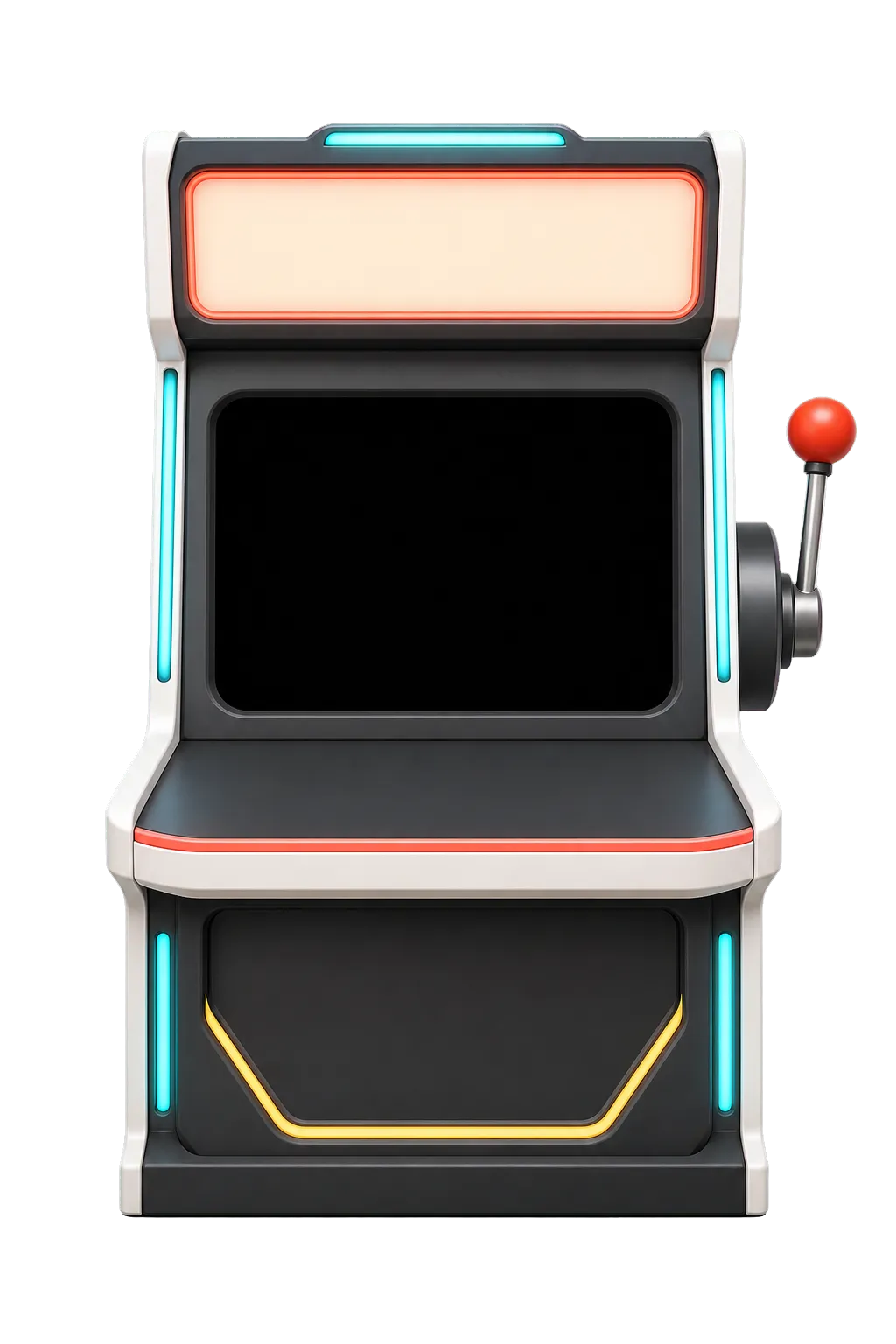
Bespoke art gives individual levels identity. Courtroom backdrops, office machinery, document props and the slot machine make the game feel like a sequence of places rather than one form with different labels. We generate or prepare those assets separately, compress them to WebP and place live controls over or around them in HTML.
Putting button text directly into a generated image creates problems. The wording may be malformed, the alignment cannot respond to screen size, and the control has no semantic meaning. The better division is artwork for the object, HTML for the information and interaction. A lever can be an image. Its accessible button and changing status should remain real elements.
Spritesheets are useful when a physical object needs a handful of fixed states. They reduce separate requests and keep visual consistency, but they require exact framing. The calendar taught us that approximate cropping is not enough: if every sprite includes a slightly different border, the page appears to jump while the player drags it.
8. Use a library when the mechanic depends on real physics
Vanilla JavaScript does not mean every algorithm must be written from scratch. Level 17 is a pachinko board. The player can choose when to release the moving ball, then gravity, pegs and collisions determine where it lands. Collision accuracy is the mechanic, so we use a lightweight physics engine rather than maintaining a homemade approximation.
The library is isolated to the level that needs it. The rest of the game does not become a physics application, and the player does not download a large general engine for every ordinary form. Choosing dependencies this way keeps the project understandable: use the platform for standard interface work and a focused library for a specialised problem with established, difficult logic.
9. Design cleanup before adding more animation
Multi-level games accumulate invisible work. Timers keep firing. Frame loops keep drawing. Document-level pointer listeners remain attached. Audio contexts and temporary overlays outlive the level that created them. The result is a game that becomes less reliable the longer someone plays.
A level should stop its work when its scene is disconnected or when completion begins. Frame loops check whether their scene still exists. Long interactions guard against repeated completion. Temporary elements remove themselves. Shared timer tracking is useful for transitions that must be cancelled when the player restarts or navigates.
This concern is easy to ignore in a direct level preview because the page starts clean. It appears during an actual playthrough, which is why testing isolated levels is not enough.
10. Test three layers: rule, viewport and full run
Every level needs rule testing. The correct route should pass, representative wrong routes should fail, and retry should restore a usable state. For timed mechanics, test expiry and interruption rather than only the successful path. For randomised mechanics, verify the invariant, not one lucky arrangement.
Next comes viewport testing. We review desktop, a typical mobile width and a narrow mobile width. The goal is not a screenshot that technically fits. Controls must remain tappable, text must remain readable and the player must be able to see the relationship between an action and its result. A bottom drawer can solve a crowded inventory. A fixed board ratio can preserve a spatial puzzle. A stacked layout can be correct for one level and ruin another.
Finally, the game needs a complete run. This catches stale state, storage assumptions, audio that only works after a refresh, levels that leave the page scrolled to the wrong position and transitions that skip or repeat progress. A 50-level project is not finished when 50 isolated pages work. It is finished when one player can travel through all of them without the shell losing control.
How do you keep a JavaScript browser game lightweight?
Start by avoiding work you do not need. Normal HTML and CSS controls are already fast and accessible. Load specialised libraries only where their mechanic justifies the cost. Compress raster art, use modern formats, and do not animate layout properties when a transform can produce the same result. Stop frame loops when their scene is gone.
Performance also includes perceived speed. The game should show a useful first screen quickly, confirm an input immediately and avoid blocking the main thread while preparing the next visual. Small generated sounds and CSS feedback often feel better than a large asset that arrives late.
There is no single asset-size limit that makes every browser game fast. Measure the real build on a phone and a normal connection. Our own rule is to make every large asset earn its place by communicating the setting or mechanic, then compress it without making the object difficult to inspect.
What we would change if we started again
The project grew level by level, which created some repeated local utilities. Several later stages independently create similar Web Audio tones. A shared audio helper would reduce duplication while preserving each level's sound identity. Timer and animation cleanup can also be more systematic than checking scene connection in many separate loops.
We would define a formal level lifecycle earlier: mount, complete and dispose. We would keep a small set of shared physical controls, such as dials, drag surfaces and status meters, without forcing every level into the same card. We would also establish automated smoke checks for every renderer before the level count became large.
We would not replace the whole project with a heavy engine. The DOM remains a strong fit for a game about forms, offices, documents and hostile interfaces. The improvement is better boundaries around the existing approach, not a different technology for its own sake.
A practical browser-game development checklist
- Begin with one clear interaction and a complete start-to-finish loop.
- Keep a stable game shell and give each level a small renderer contract.
- Store state locally unless another level deliberately depends on it.
- Use Pointer Events for interactions that must work with mouse, pen and touch.
- Provide alternate controls when dragging is not the challenge itself.
- Use frame-based timing for continuous systems and CSS for short visual feedback.
- Keep essential information visible even when sound is muted.
- Use normal HTML for live controls and artwork for visual identity.
- Choose focused libraries for proven complex systems such as physics.
- Clean up timers, listeners and animation loops when a level ends.
- Test success, failure, retry, mobile widths and a complete uninterrupted run.
What comes next for Cancel My Subscription?
The destination is still 50 distinct levels, not 50 reskinned buttons. As the later stages come together, the technical challenge is convergence: earlier records, phrases, dates, signatures and scores begin to matter at the same time. The interface becomes a live system rather than a sequence of isolated jokes.
That makes the final stretch a useful test of the architecture described here. Local mechanics must remain self-contained, shared facts must stay consistent, and every new interaction must still work on a narrow phone screen. We will continue documenting what survives that test and what needs to be rebuilt.
For the design side of the project, read how to design game levels that stay fresh. For the real-world subject behind the satire, see why subscriptions can be so hard to cancel.
One objective. Dozens of increasingly unreasonable systems. No download required.
Play the browser game